
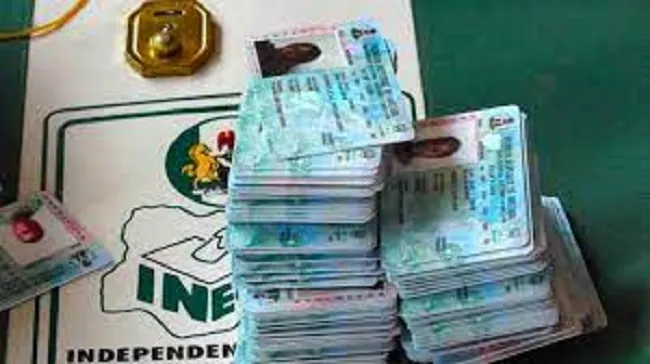
Every Nigerian has the right to live in any part of the country and relocate as seen fit.
Contents
- Step 1: Log on to the voter registration website: https://cvr.inecnigeria.org.
- Step 2: Click on SIGN IN/ REGISTER
- Step 3: As a new user, fill in required details (Name, email, Phone number, etc.) to create an account on the portal or sign in using a Facebook or Gmail account.
- Step 4: Go to your mail and click on the verification link sent to verify your account.
- Step 5: Sign-in to the portal.
- Step 6: Click on Transfers.
- Step 7: You will be required to review your voter status by taking two pictures of yourself. This will verify your identity with your existing picture in the INEC database to prevent unauthorized transfer requests.
- Step 8: After verification of your identity, select the location of the PU you wish to transfer to.
- Step 9: Your transfer request slip will be displayed and sent to your email.
- Step 10: Print or save your transfer request slip.
- Step 11: Your request will be automatically submitted to the EO and REC of the State you requested to be transferred to for approval.
- Step 12: You will receive an update on your online PVC transfer request via email.
An important part of voter registration is that an eligible person is advised to register at the centre nearest to his or her residence. This is to make it easy for the voter to access the polling unit and vote on Election Day.
ALSO READ: What to know as INEC begins nationwide voter registration
When relocation occurs, a voter cannot vote in his/her new location unless he/she transfers his/her registration to the new place he/she has relocated to.
In this article, TRIBUNE ONLINE highlights the step-by-step process for online PVC transfer:
Step 1: Log on to the voter registration website: https://cvr.inecnigeria.org.
Step 2: Click on SIGN IN/ REGISTER
Step 3: As a new user, fill in required details (Name, email, Phone number, etc.) to create an account on the portal or sign in using a Facebook or Gmail account.
Step 4: Go to your mail and click on the verification link sent to verify your account.
Step 5: Sign-in to the portal.
Step 6: Click on Transfers.
Step 7: You will be required to review your voter status by taking two pictures of yourself. This will verify your identity with your existing picture in the INEC database to prevent unauthorized transfer requests.
Step 8: After verification of your identity, select the location of the PU you wish to transfer to.
Step 9: Your transfer request slip will be displayed and sent to your email.
Step 10: Print or save your transfer request slip.
Step 11: Your request will be automatically submitted to the EO and REC of the State you requested to be transferred to for approval.
Step 12: You will receive an update on your online PVC transfer request via email.
WATCH TOP VIDEOS FROM NIGERIAN TRIBUNE TV







0 comment(s)
Leave a Comment